Stellar Gravity
A downloadable game for Windows and Linux
⭐ STELLAR GRAVITY
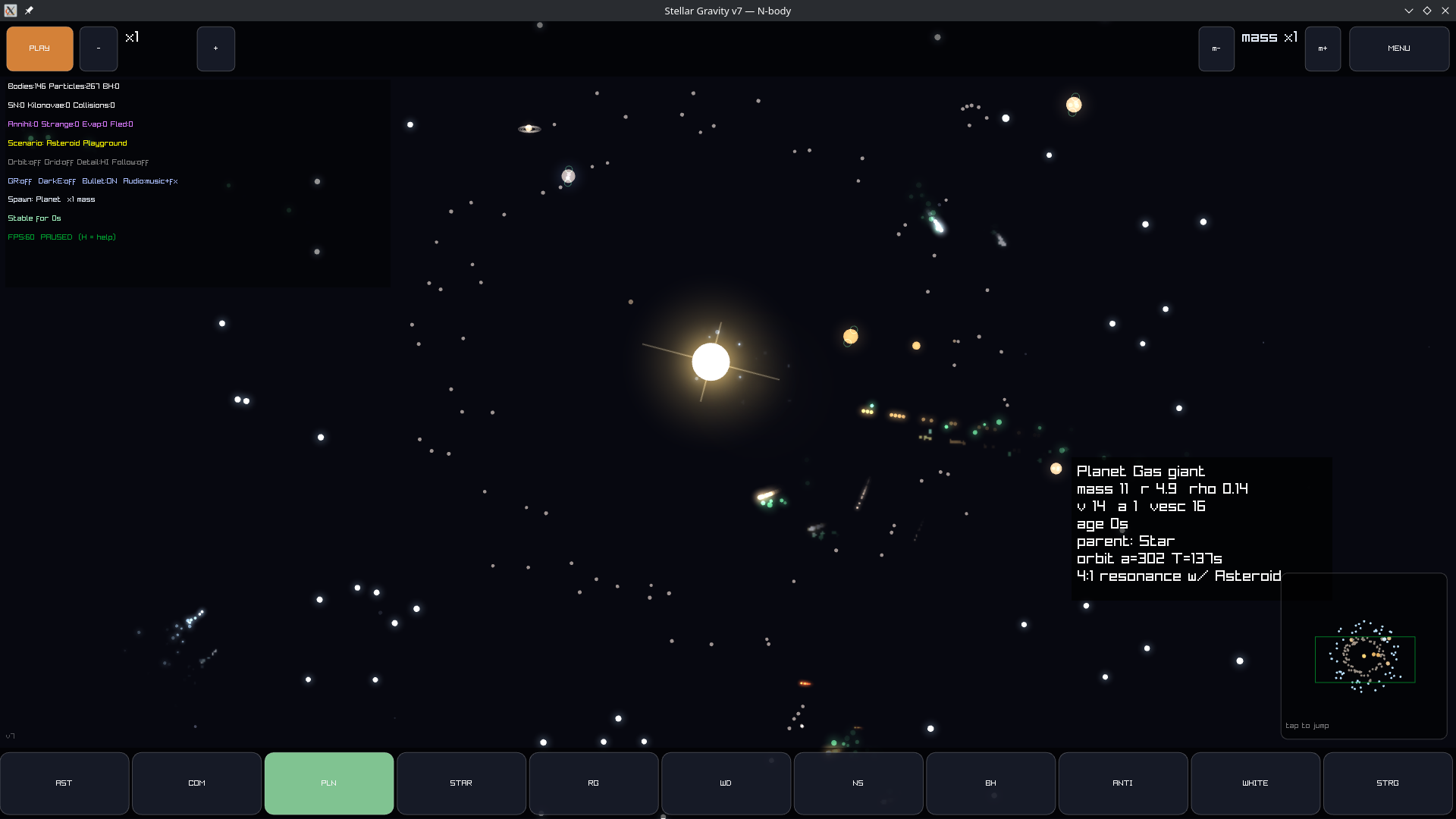
A 2D universe you can break.
Throw a star into the dark. Watch it catch a planet in orbit.
Now throw a second star — closer this time — and watch the whole thing come apart.
Stellar Gravity is a physics toy, not a game. No goals, no score, no way to lose. Just you, Newton's laws, and a growing pile of things you've flung into space. Drag to launch a body, then let real gravity take over: orbits form, stars ignite and die, and sooner or later everything hits something.
💥 What can happen
Stars live and die properly. They burn through their fuel, swell into red giants, and collapse into white dwarfs, neutron stars, or black holes — depending entirely on their mass.
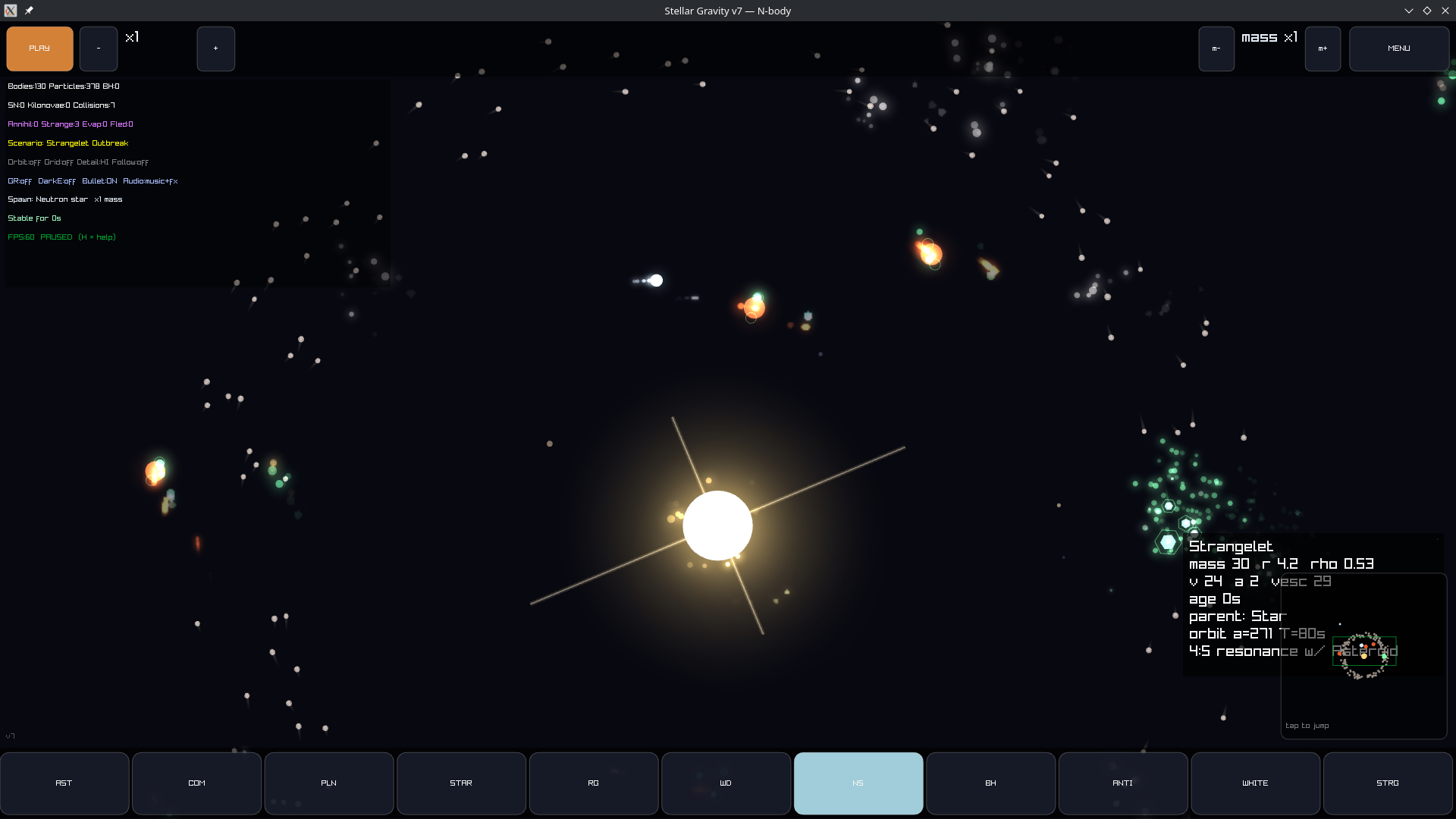
Real cataclysms. Supernovae. Kilonovae that scatter gold and platinum across the system. Tidal disruption as a star gets pulled into spaghetti. Neutron stars colliding at the edge of physics.
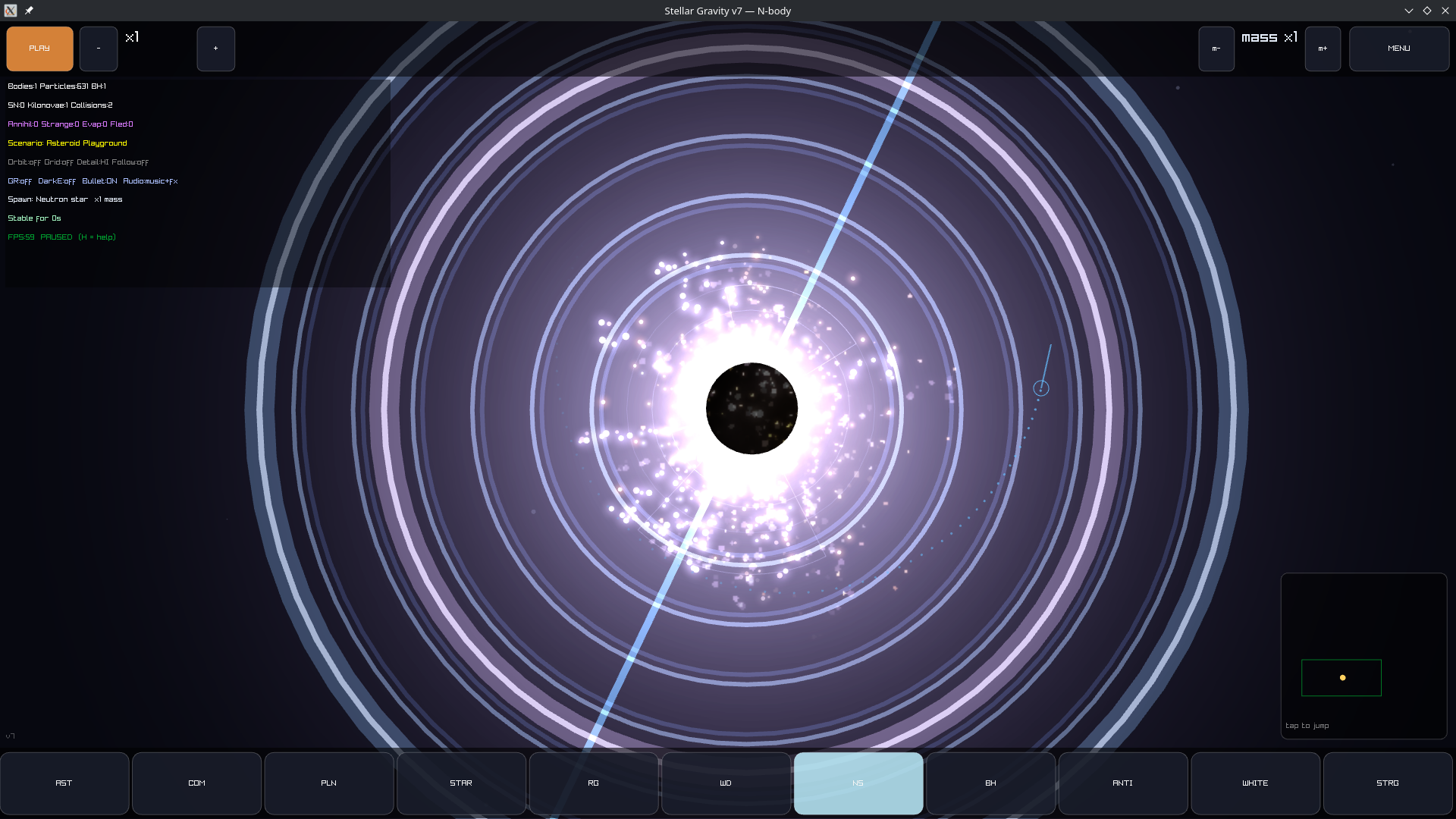
Black holes that actually bend space. Watch the starfield warp and curve around the event horizon.
Exotic toys. Antimatter. White holes that spit matter out instead of swallowing it. Strange matter that converts everything it touches. Wormholes you place yourself.
🎛️ Bend the rules
| ⏩ Time control | Fast-forward an entire stellar lifetime, or slow to bullet time to watch a collision frame by frame. |
| ⏪ Reverse time | Un-explode a supernova. Watch orbits run backwards. |
| 🌀 Relativity | Turn it on and watch orbits precess, just like Mercury. |
| 🌌 Dark energy | Crank it up and tear the universe apart. |
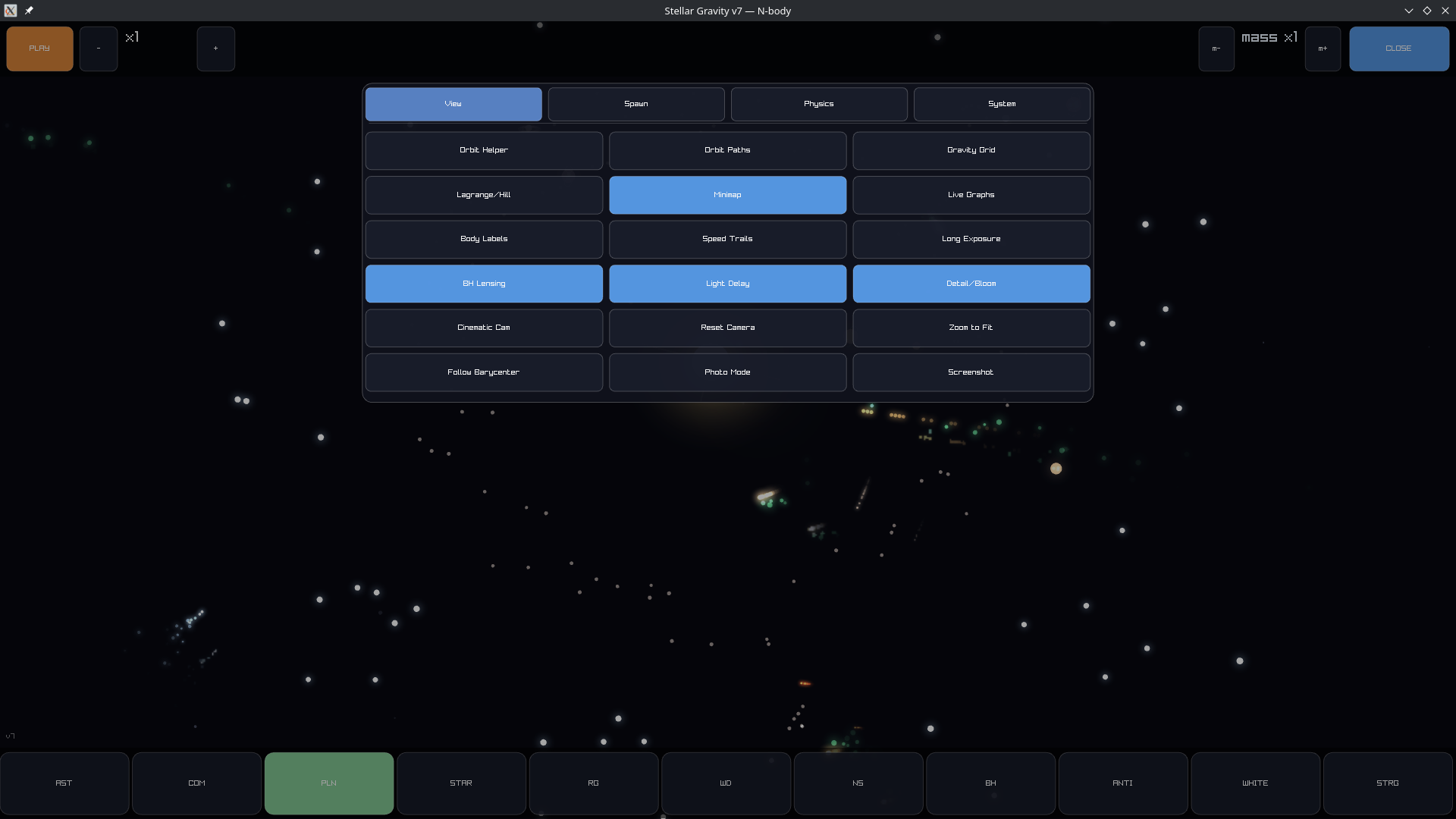
| 🔭 Visual tools | Gravity grid, orbit paths, Lagrange points, light-delay, long exposure, photo mode. |
| 💾 Undo & Save | Break things fearlessly — undo brings it all back. |
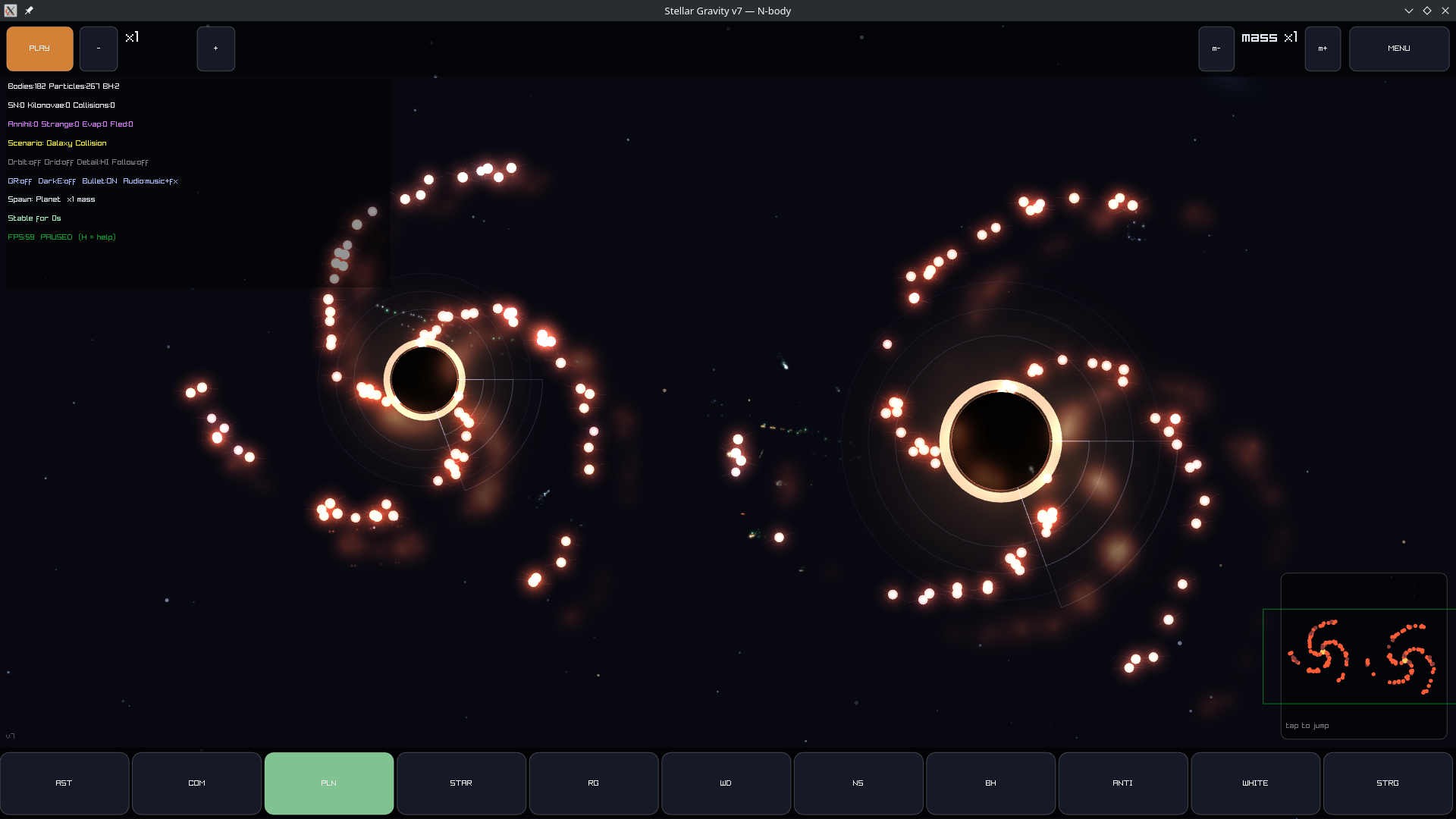
11 ready-made scenarios, from a peaceful solar system to a full galaxy collision, a neutron star arena, and an antimatter playground.
🎮 Controls
It takes about five seconds to learn:
- Drag in empty space to fling a new body.
- Click a body to lock the camera onto it.
- MENU for scenarios, spawners, and physics toys.
- H for the full help screen.
Everything else is discovery.
🔊 There are no art or sound files
Not one. Every star, every glow, every explosion, and every note of the soundtrack is generated in code at startup. The whole universe — visuals and audio — is math.
The entire game is a single C++ file built on raylib.
💻 Available for Windows & Linux
Download, unzip, run. No installer.
Windows note: Windows may warn that the app is "unrecognized." That's because it isn't code-signed (certificates cost money) — it's safe. Click More info → Run anyway.
If the window doesn't open, update your graphics drivers — the game needs OpenGL.
Made for anyone who's ever wanted to know what happens if you put a black hole right there.
Download
Install instructions
Windows
- Download stellar-gravity-windows.zip.
- Extract the ZIP anywhere (Desktop is fine).
- Double-click Stellar-Gravity.exe.
No installer, no dependencies — it's a single self-contained file.
"Windows protected your PC"? This appears because the game isn't code-signed (certificates cost money). It's safe. Click More info → Run anyway.
Window doesn't open? Update your graphics drivers. The game needs OpenGL, and a fresh Windows install without GPU drivers won't have it.
Linux
- Download stellar-gravity-linux.zip.
- Extract it.
- Run the game:
./Stellar-Gravity
If it won't start, make it executable first:
chmod +x Stellar-Gravity
./Stellar-Gravity
No dependencies to install — raylib is built in. You only need standard system graphics libraries (OpenGL and X11), which every desktop Linux already has.
Saves
The game creates two small text files next to the executable:
gravity_sandbox_save.txt— your saved world.gravity_sandbox_prefs.txt— settings and unlocks.
Deleting them is safe; the game just starts fresh. Keep the game in its own folder so these stay tidy.
Leave a comment
Log in with itch.io to leave a comment.